







 Google Workspace Overview
 Gmail
Gmail
 Google Calendar
 Google Drive
 Google Editors
 Google Docs
 Google Sheets
 Google Slides
 Google Forms
 Google Sites
 Google Keep
 Google Vids
 Google Chat
 Google Admin
 Endpoint Management
 Remote Desktop
 Looker Studio
 Apps Script
 Workspace Studio
 Vault
Vault AppSheet
 Gemini
 Gemini Notebook
 Pricing
 Google Cloud Overview
 Cloud Run
 Compute Engine
 Cloud Storage
 BigQuery
 Google Kubernetes Engine
 Looker
 Apigee API Management
 Cloud SQL
 Gemini Enterprise
 Cloud CDN
 Microsoft
365 Overview
Microsoft
365 Overview Microsoft Outlook
 Microsoft Teams
 Microsoft Excel
 Microsoft Word
 Microsoft OneDrive
 Microsoft PowerPoint
 Microsoft SharePoint
 Google Meet
Google Workspace
Google Meet
Google Workspace
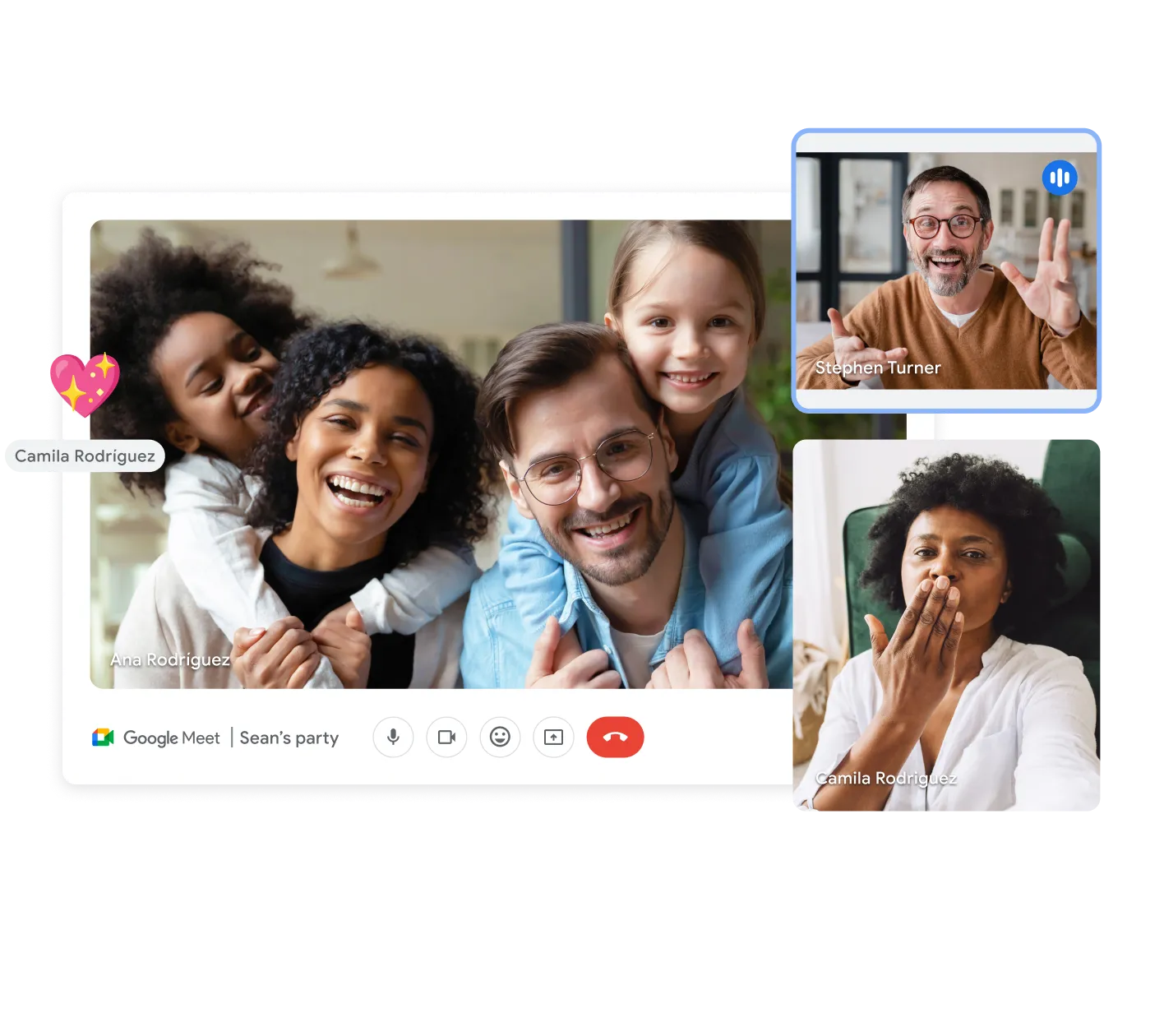
Video Meetings That Simply Work
Reach your team and clients through secure, high-definition calls that run right in the browser.
There's nothing to install - everyone joins by clicking a link.
Screen sharing for easy collaboration
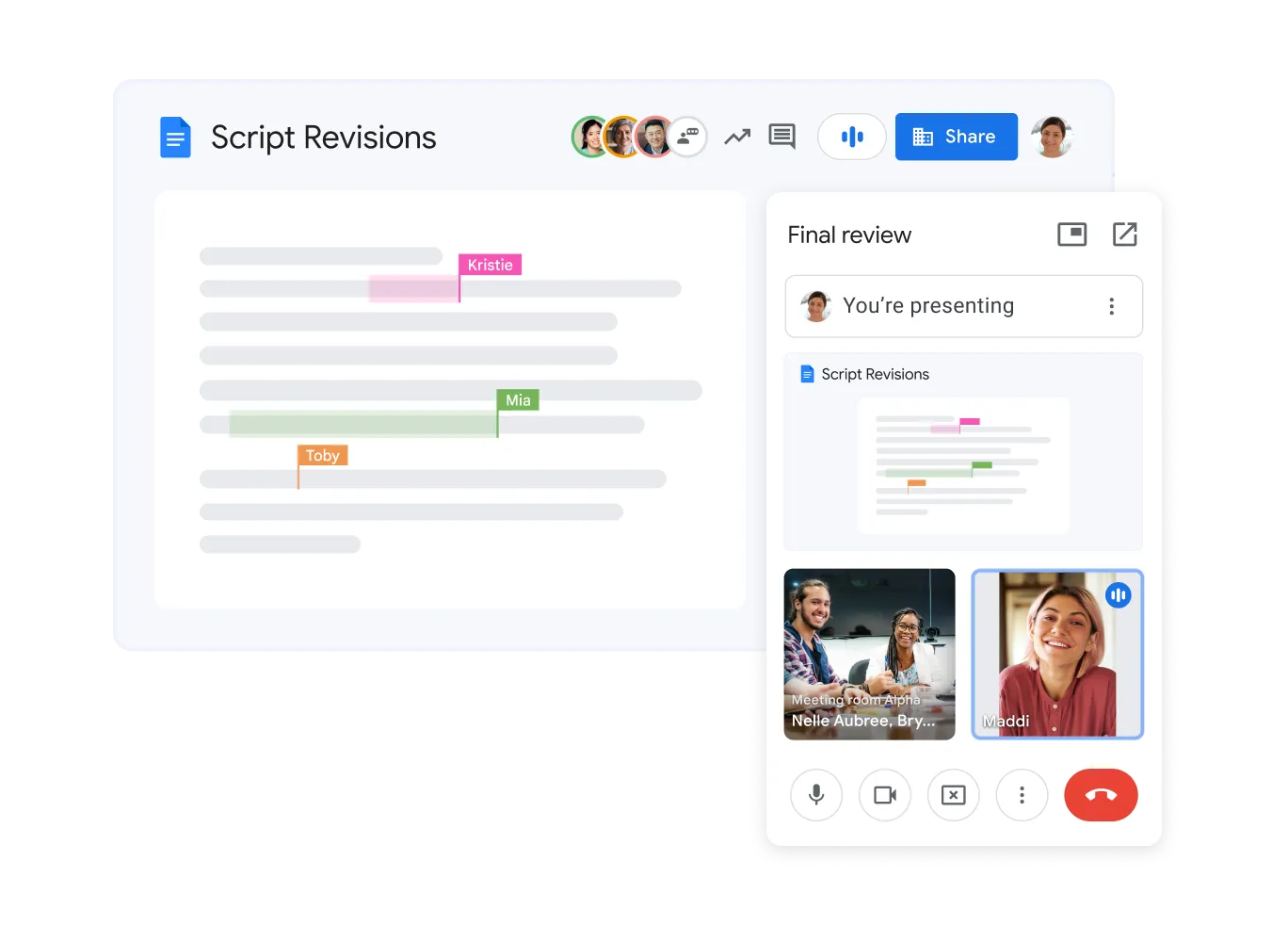
Share your screen during online calls to present slides, documents, and designs. Google Meet simplifies interactive discussions with colleagues and partners.

Join calls from any device
Participants can join Google Meet calls from any device - desktop, tablet, or smartphone. This ensures everyone can attend meetings regardless of location or device.
Record meetings for future reference
Record Google Meet sessions to preserve important decisions and share video with absent colleagues. This increases transparency and accountability in your team.
Secure by Design
Calls are encrypted in transit, and anti-hijacking controls keep out anyone who wasn't invited.
Enhanced collaboration
Screen sharing, in-call chat, breakout rooms, and an interactive whiteboard ensure effective work during meetings.
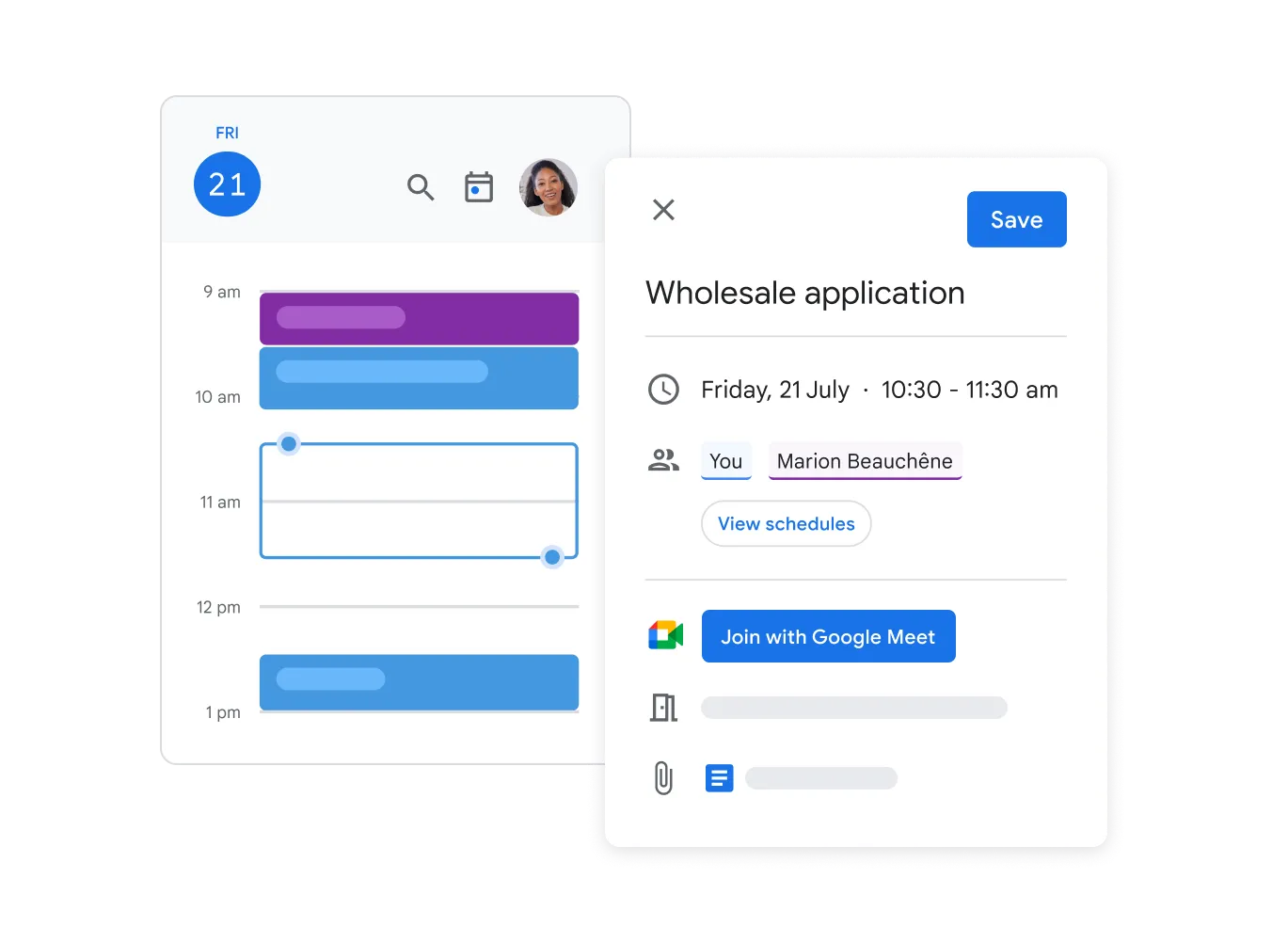
Direct Calendar integration
Schedule a video call directly from Google Calendar and send the meeting link to participants with one click.
Host controls
Manage meetings effectively. Mute participants, remove unwanted guests, and control screen sharing.
Questions About Meet
Google Meet · Google Workspace
No. Any modern browser will do - guests just click the meeting link to join.
Your Workspace plan sets the ceiling, with up to 1,000 people in one interactive meeting.
Yes. Enterprise plans stream live to as many as 100,000 viewers inside your organization.
Recording is available on Business Standard and higher subscriptions. The recording is automatically saved to your Google Drive and can easily be shared with colleagues.
Bring Your Distributed Team Together
Geosoft helps Armenian businesses put dependable communication tools in place.